
Manage the Site
You are signed in as an admin. Only the super admin can add or remove other admins.
Site Settings
Anything left blank stays hidden on the public site. Fill it in and it appears automatically — no code changes needed.
Add a Member
Creates a real login for someone who has asked to join. Send them their email and temporary password yourself (for example on WhatsApp). They can change the password from their dashboard after signing in.
Pending Approval
Everyone Else
Visitors submit these from the homepage. Nothing appears publicly until you tick Approved. Deleting is permanent.
Everything posted on the public message board, newest first. Hide removes a message from the public board without deleting it. Replies you post here appear publicly marked as Admin. Deleting a message also deletes the replies under it.
Publish New Article
Add Special Event
Add Merchandise Item
Add Course
Everything below fills in automatically from details already on the site (phone, address, logo, Till number) — nothing to type in. A real ID card is too small to fit branding AND contact details legibly on one face, so this is a two-sided card: front for branding, back for contact info, same as most real business cards.
Front
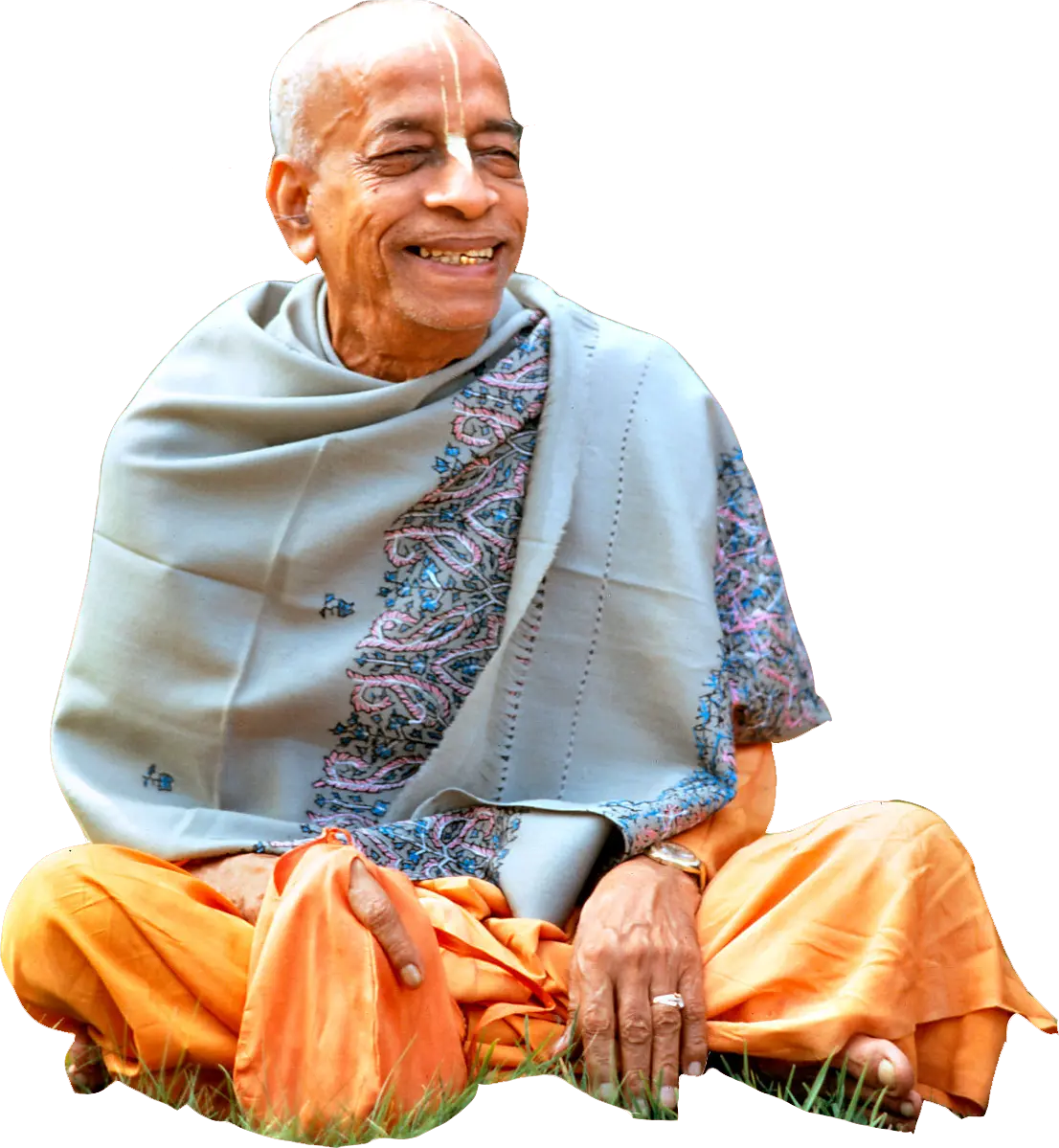
Hare Krishna Hare Krishna Krishna Krishna Hare Hare
Hare Rama Hare Rama Rama Rama Hare Hare
ISKCON Founder-Acharya HDG A.C. Bhaktivedanta Swami Prabhupada
Back